Release Highlights: August 2026

In August our AI Coach now lets you practice any skill in your organization, not just the ones assigned to you. Meetings were also upgraded to bring the notes and history you need into the 1:1. Here are the highlights.
Practice Any Skill
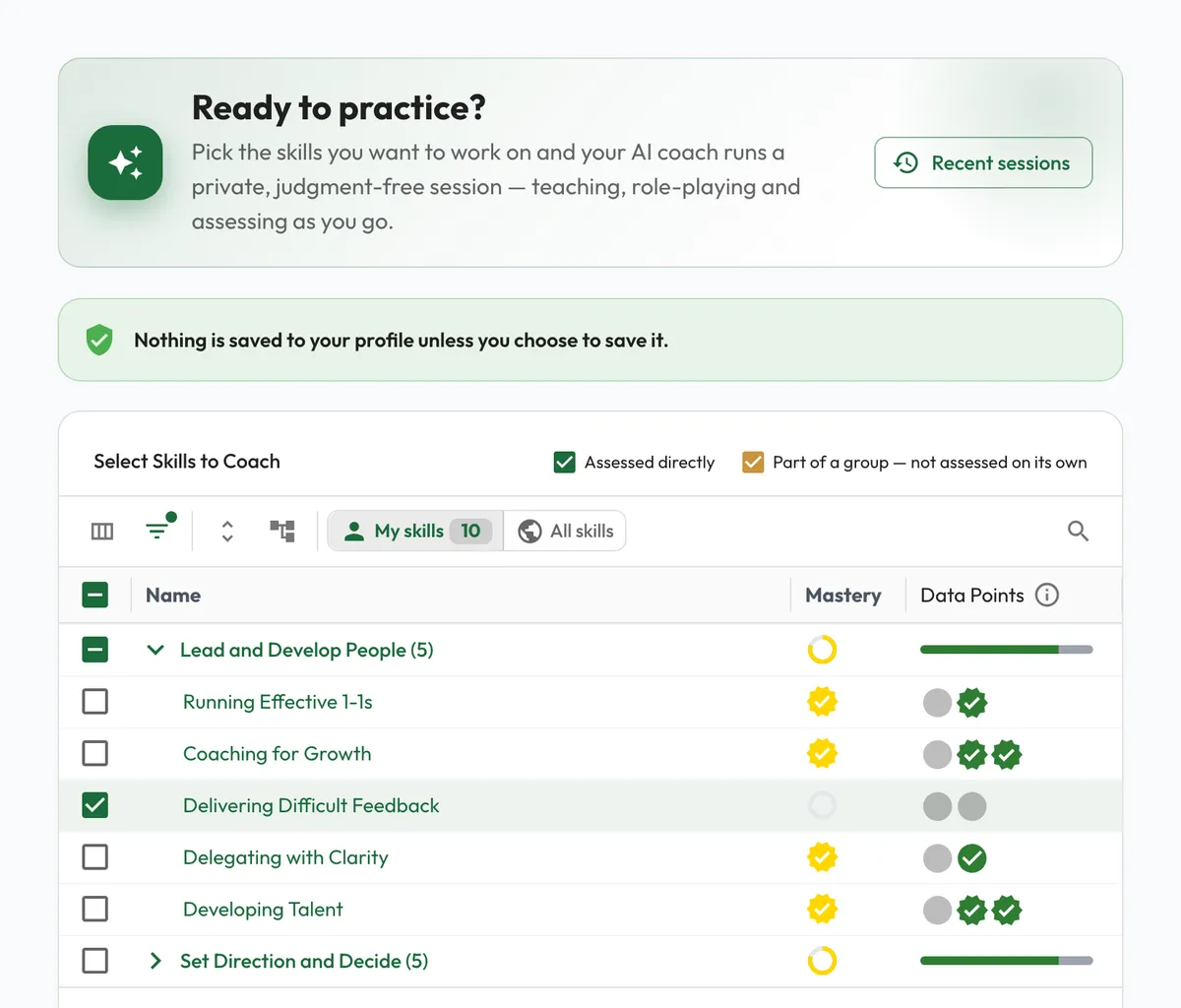
Coach Me used to show only the skills your role assigned you. The skill picker now has a My skills and All skills toggle, so you can practice anything your organization has defined. Results you choose to save appear on your Progression tab, where a toggle brings in the skills outside your role, tagged Not assigned. See our AI Coaching overview.
Notes and History, Inside the Meeting
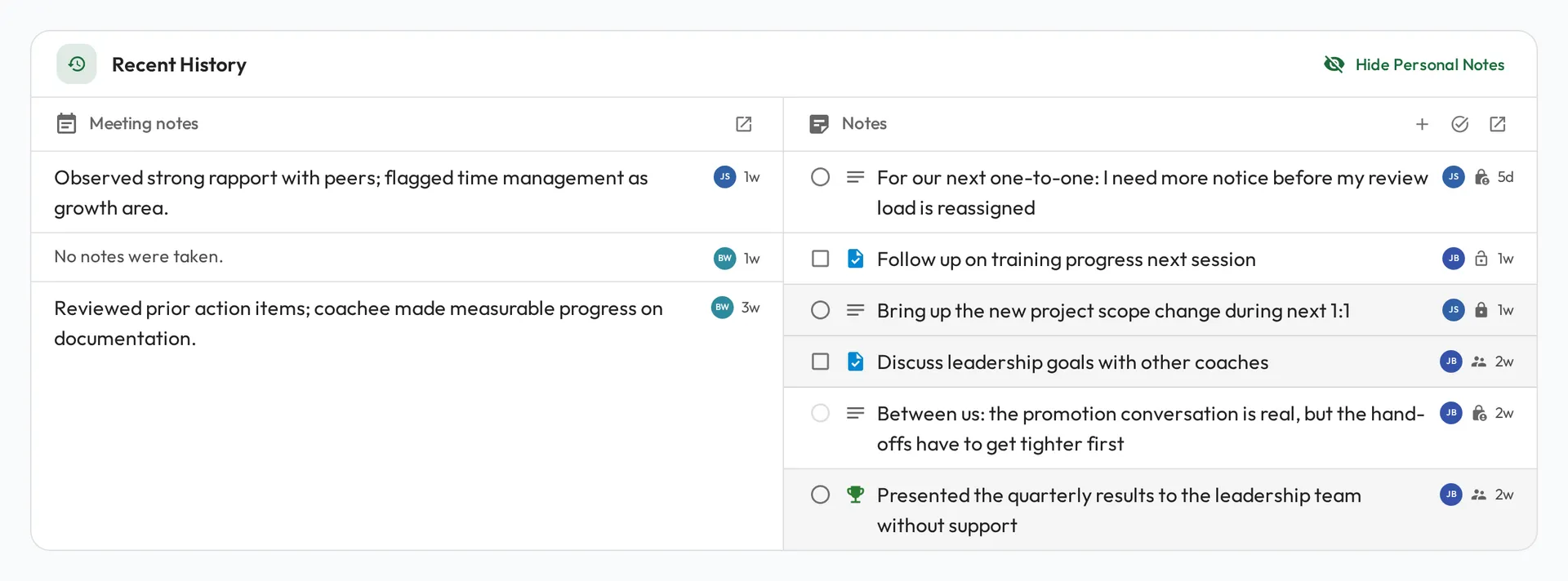
Recent History in a Meeting is now two columns: past Meeting notes on one side, and the tasks, commitments, and wins still open on the other. Click any row to read it in full, and add a note for the person across the table without leaving the Meeting. A past Meeting opens in a preview, with its notes and the skills scored, so you can check what happened last time. Your dashboard has a new My Open Notes card that lists what is still open on you, soonest due first, ready to tick off. More in our Running a Meeting guide and the Notes guide.
Additional Updates
- Admire loads much faster on a fresh visit. We cut the first download by around 80 percent.
- Every skill description now lists how to assess it, from the quickest method to the most involved.
- Checklists in the notes editor now convert to and from bulleted and numbered lists.
- Diagrams in Playbooks open in a fullscreen viewer with zoom and pan.
Until Next Time
That’s August. As always, we’d love to hear your feedback. Reach out any time with questions or ideas.